ZohoSalesIQ: Smarter Access Control Role-Based Access vs Responsibility-Based Profiles
Every business works with different people, roles, and daily tasks.
But here’s the truth — even if two people have the same role, their responsibilities are often different.
As teams grow, some members only need access to a few features.
Others need to see data but not change anything.
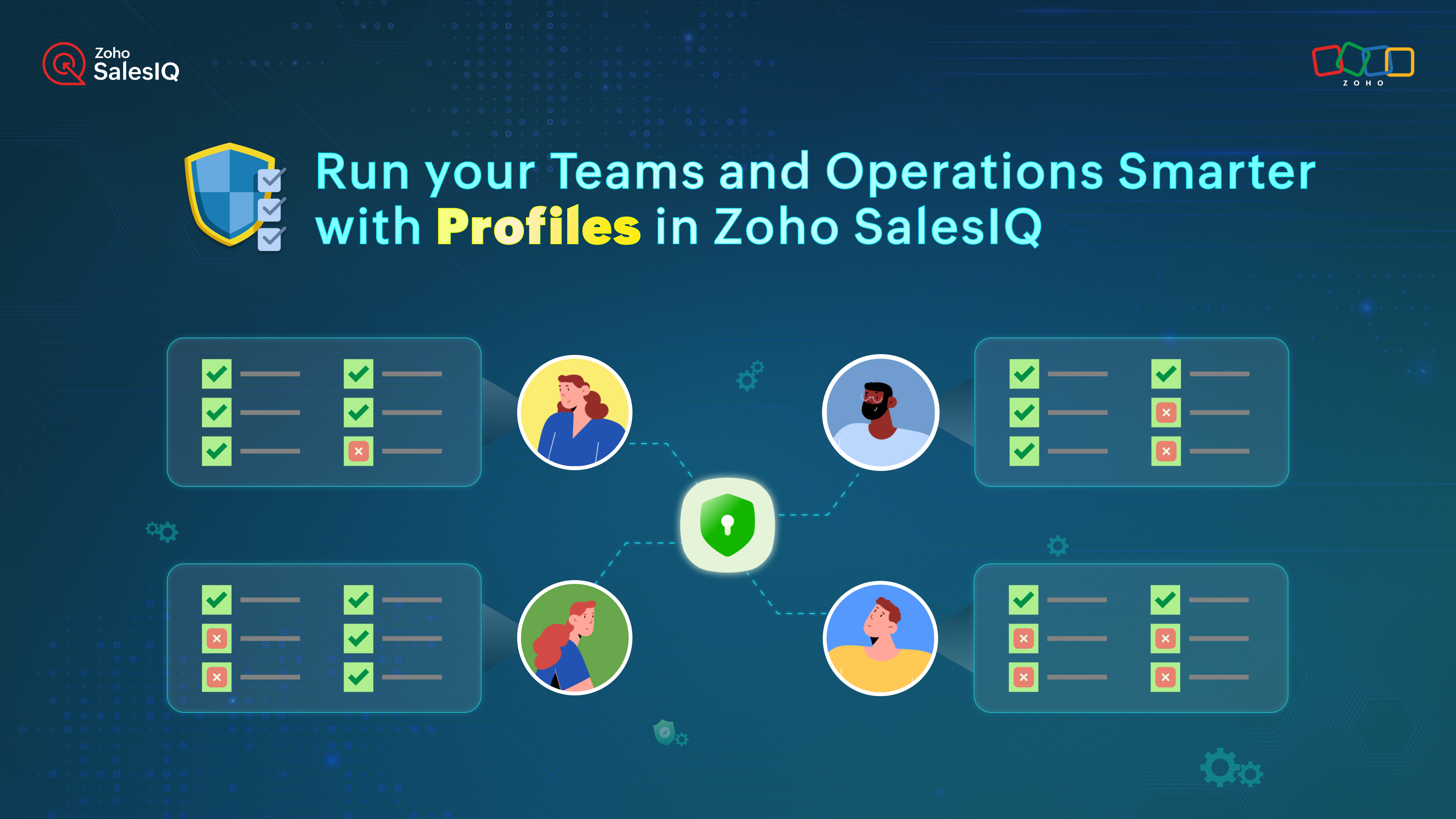
Before: Fixed Access Using Roles
Earlier in Zoho SalesIQ, access was controlled through predefined roles like Admin, Supervisor, and Associate.
These roles created a basic structure, but everyone under the same role had the same permissions, even if their work was different.
This often led to:
Unnecessary access
Confusion
Risk of accidental changes
Now: Flexible Access with SalesIQ Profiles
Zoho SalesIQ has now introduced Profiles.
Profiles allow you to control access feature by feature, not just by role.
This means permissions can be set based on real responsibilities, not just job titles.
With Profiles, you can:
Give team members access only to the tools they actually use
Protect important settings from being changed by the wrong users
Easily manage access when onboarding new team members or changing roles
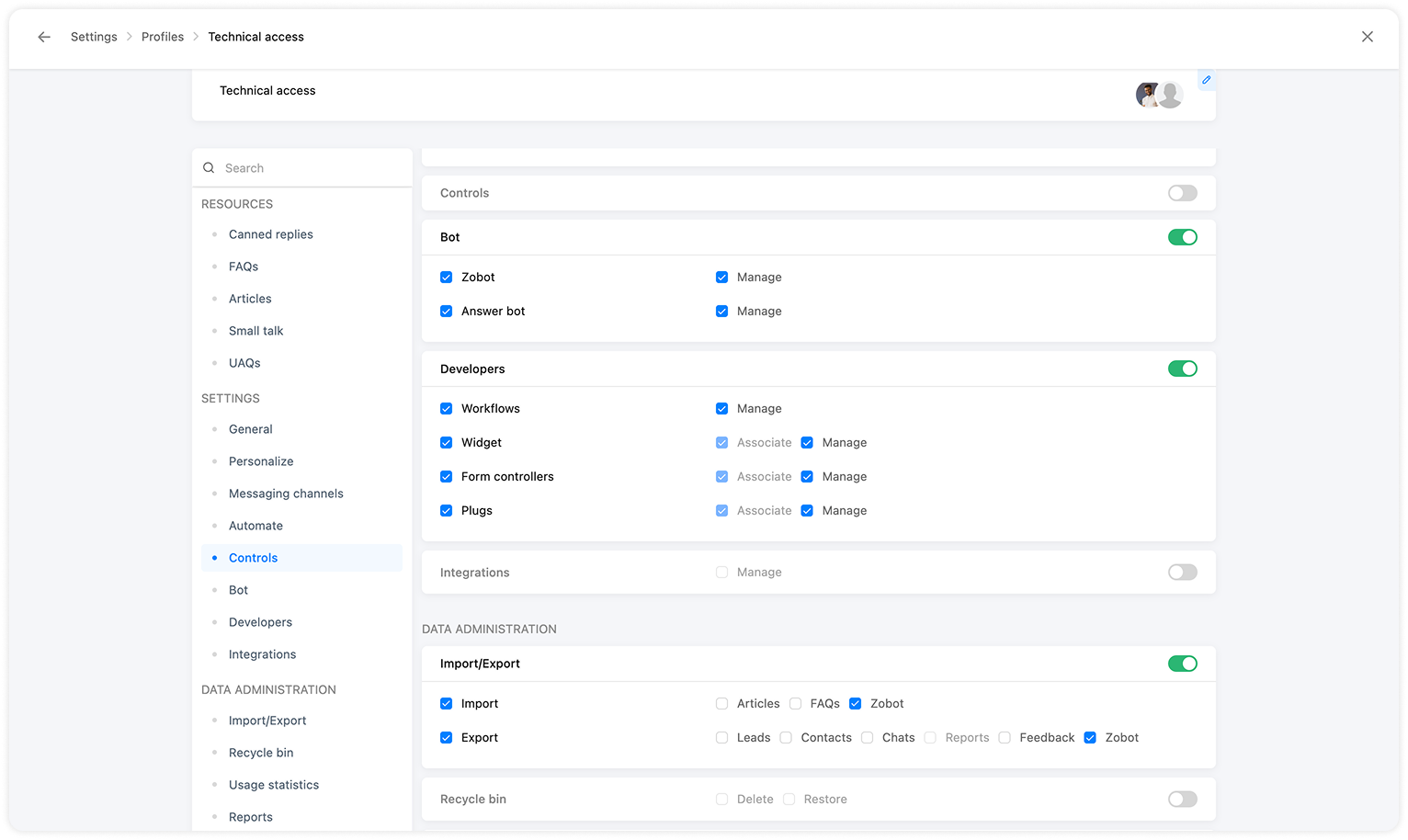

Best Practices for Using Profiles
To use Profiles in the best way, follow these tips:
Create profiles based on work, not titles
Focus on daily tasks, not job names.Use one profile for similar responsibilities
If multiple people do the same work, give them the same profile.Give supervisors visibility, not full control
Team leads usually need reports and conversation access, not system settings.Keep full access only for admins
Critical settings and integrations should stay with admins.Protect sensitive data
Limit access to customer data and system controls to avoid mistakes or data leaks.Review profiles regularly
As teams grow or responsibilities change, update profiles to stay aligned.
Final Thought
Want a cleaner and more organized workspace?
Use Profiles in Zoho SalesIQ to clearly define responsibilities, assign the right access, and keep your operations smooth and secure.
For more information, visit pfc-group.com
Related Articles
Zoho SalesIQ: Role vs Responsibility-Based Access Made Easy
Every business works with different people, roles, and daily tasks. But here’s the truth — even if two people have the same role, their responsibilities are often different. As teams grow, some members only need access to a few features. Others need ...Zoho CRM: Control Client Data Access with Criteria-Based Portal Settings
Dear Customers, Greetings! Zoho share some enhancements in Zoho CRM's Portals – a self-service feature that lets your clients access and manage their records and related information independently. This improves transparency and empowers them to ...Zoho Mail: Secure Mailbox Delegation for Better Access Control
Hello everyone, Administrators frequently face situations where one employee must allow another team member to manage their inbox — whether due to extended leave, internal role changes, or high email volume. In these cases, maintaining operational ...Zoho FSM Premium Edition Launch: Smarter Control for Growing Businesses
Hello everyone, As field service businesses scale, operations become more complex — managing distributed teams, ensuring data security, assigning the right technician, and generating timely insights. The Zoho FSM Premium Edition is built to handle ...Notes and Attachments visibility can now be restricted based on profiles
Dear All, We hope you're well! We are here with a quick update about Notes and Attachments profile permissions. In the past, a record's Notes and Attachments were visible by default to all users with record access. However, as notes and attachments ...