Zoho SalesIQ: Role vs Responsibility-Based Access Made Easy
Every business works with different people, roles, and daily tasks.
But here’s the truth — even if two people have the same role, their responsibilities are often different.
As teams grow, some members only need access to a few features.
Others need to see data but not change anything.
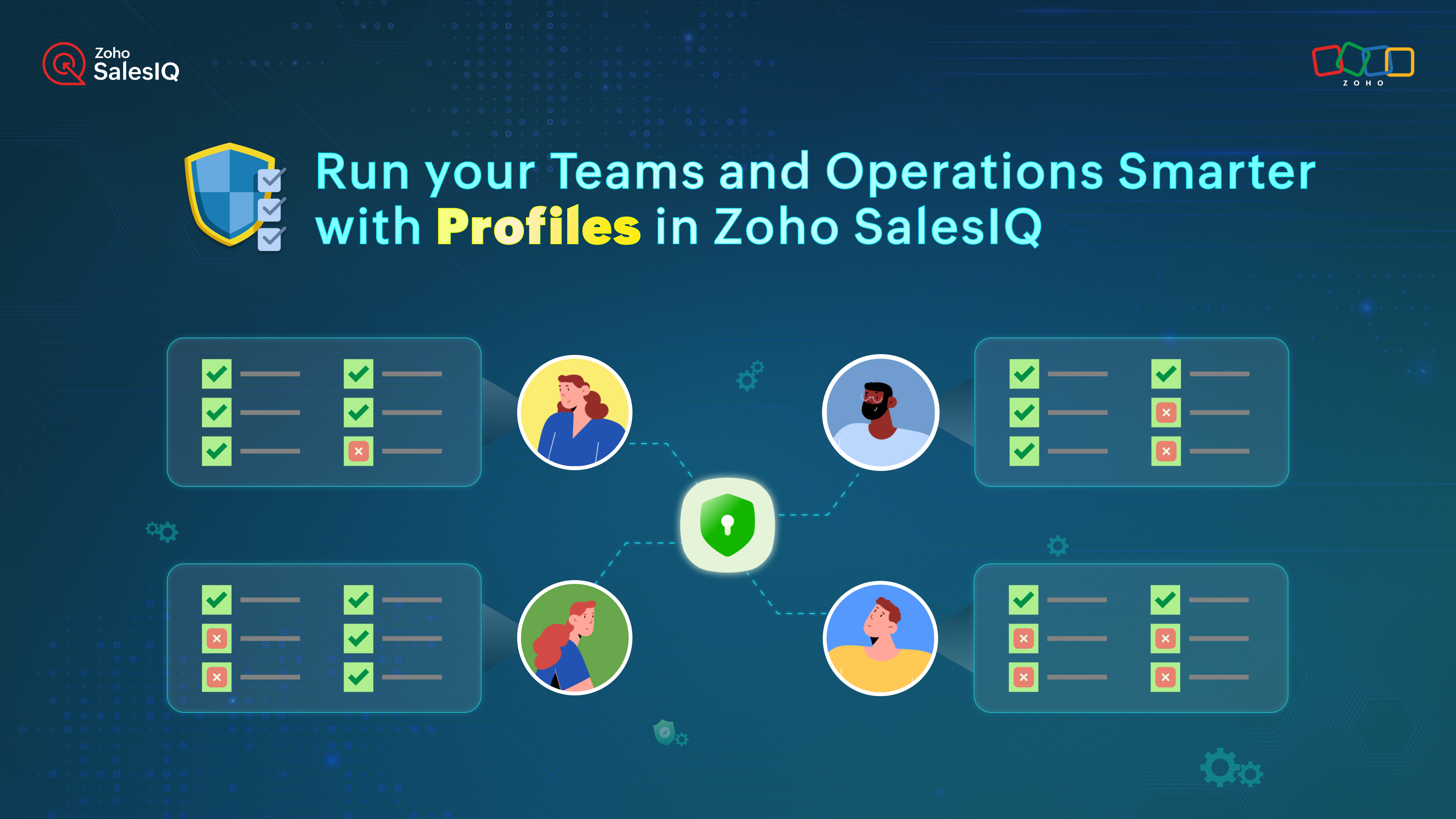
Before: Fixed Access Using Roles
Earlier in Zoho SalesIQ, access was controlled through predefined roles like Admin, Supervisor, and Associate.
These roles created a basic structure, but everyone under the same role had the same permissions, even if their work was different.
This often led to:
Unnecessary access
Confusion
Risk of accidental changes
Now: Flexible Access with SalesIQ Profiles
Zoho SalesIQ has now introduced Profiles.
Profiles allow you to control access feature by feature, not just by role.
This means permissions can be set based on real responsibilities, not just job titles.
With Profiles, you can:
Give team members access only to the tools they actually use
Protect important settings from being changed by the wrong users
Easily manage access when onboarding new team members or changing roles
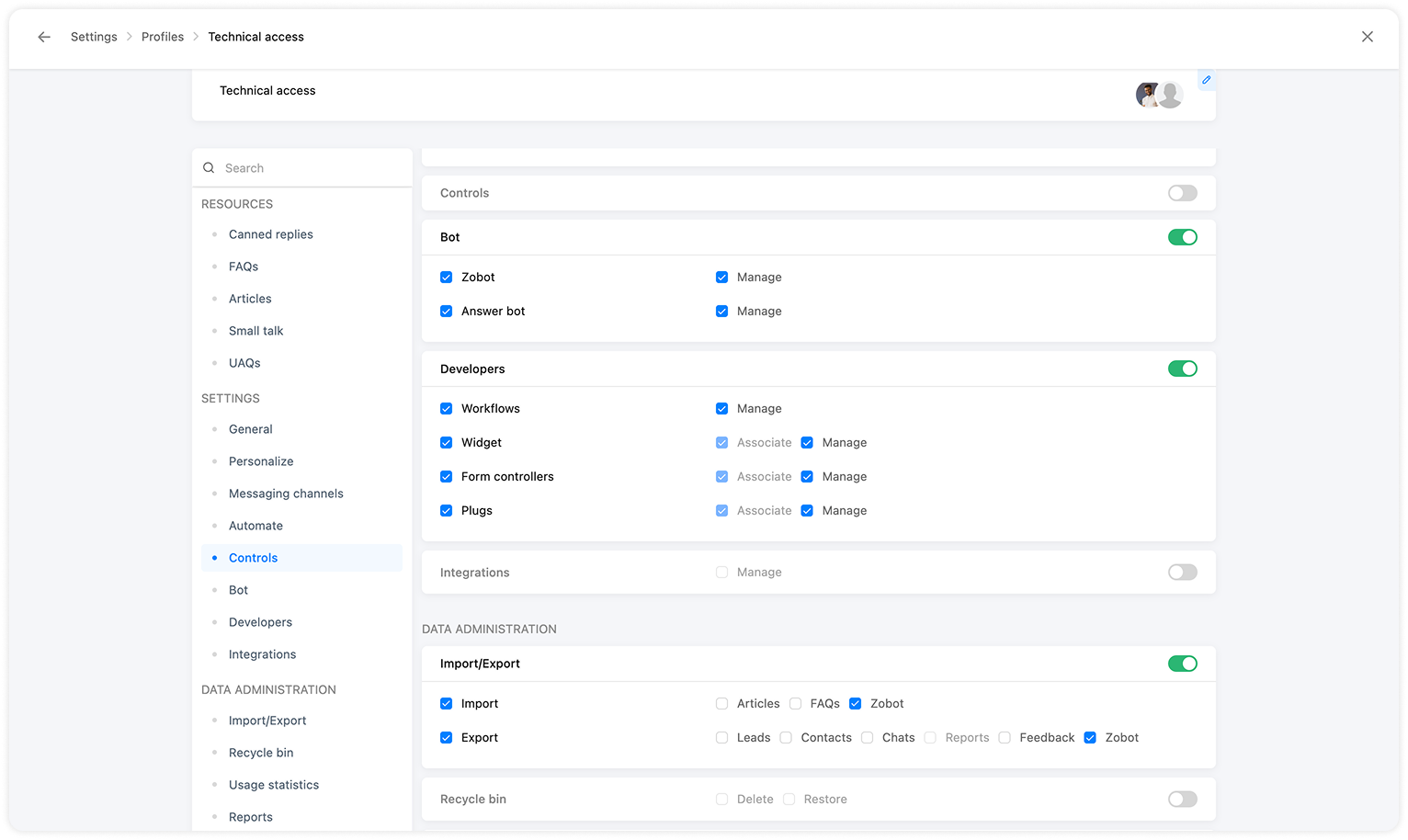

Important Note
Profiles work as an extra layer, helping you fine-tune permissions based on what each person is responsible for.
Best Practices for Using Profiles
To use Profiles in the best way, follow these tips:
Create profiles based on work, not titles
Focus on daily tasks, not job names.Use one profile for similar responsibilities
If multiple people do the same work, give them the same profile.Give supervisors visibility, not full control
Team leads usually need reports and conversation access, not system settings.Keep full access only for admins
Critical settings and integrations should stay with admins.Protect sensitive data
Limit access to customer data and system controls to avoid mistakes or data leaks.Review profiles regularly
As teams grow or responsibilities change, update profiles to stay aligned.
Final Thought
Want a cleaner and more organized workspace?
Use Profiles in Zoho SalesIQ to clearly define responsibilities, assign the right access, and keep your operations smooth and secure.
For more information, visit pfc-group.com
Related Articles
ZohoSalesIQ: Smarter Access Control Role-Based Access vs Responsibility-Based Profiles
Every business works with different people, roles, and daily tasks. But here’s the truth — even if two people have the same role, their responsibilities are often different. As teams grow, some members only need access to a few features. Others need ...Introducing Zoho Service Plus : A unified platform for customer service - Early Access for Partners
We are excited to announce early access to Zoho Service Plus, a unified platform that brings together all of our customer service applications into a single platform. The early access program is exclusive only to partners. With Service Plus, manage ...Zoho CRM : Compliance Made Easy for Email Authentication
We are introducing you with significant updates to enhance email authentication and verification processes across Zoho CRM and other Zoho services. These changes aim to bolster security, ensure compliance with industry standards, and improve user ...Zoho SalesIQ integrates with OpenAI, unlocking powerful AI features!
Adopting technology and artificial intelligence (AI) has become increasingly essential for us and our organizations in today's digital age. Technology has revolutionized how we live, work, and communicate, and AI is quickly becoming a transformative ...Zoho Apptics: Your Ultimate Solution for App Analytics
Zoho announced Zoho Apptics, recognizing that in today’s hyper-connected world, the internet is not just a tool—it’s the backbone of our digital experiences, with mobile apps now dominating the majority of screen time. The times have changed, and ...