Zoho Assist Introduces the New Quick Support Plugin for Faster Remote Assistance
- Instantly join active sessions
- Raise support requests directly from the plugin

For raising a service queue request

🎨 Custom Branding for a Professional Experience Organizations can now create multiple versions of the plugin tailored for different user groups.
You can:Add your company logoCustomize branding elementsDeliver a consistent, professional support interfaceThis ensures your support experience aligns perfectly with your brand identity.

⚙️ Simplified Bulk Deployment
IT administrators can deploy the plugin at scale with ease.
Key capabilities include:
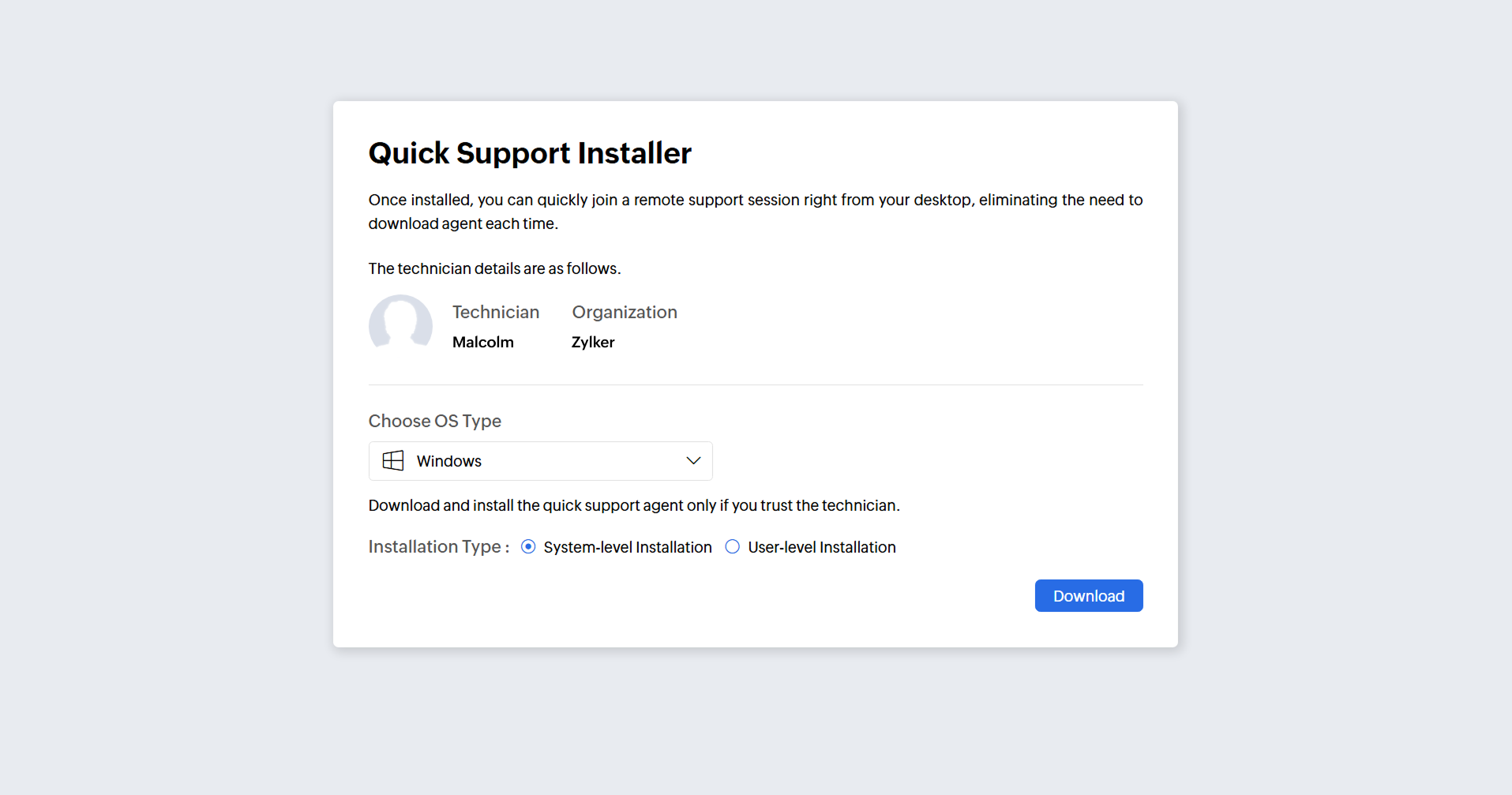
System-level installation for shared accessUser-level installation for personalized usageSilent installation via command-line toolsThis makes large-scale rollouts faster, more controlled, and highly efficient.
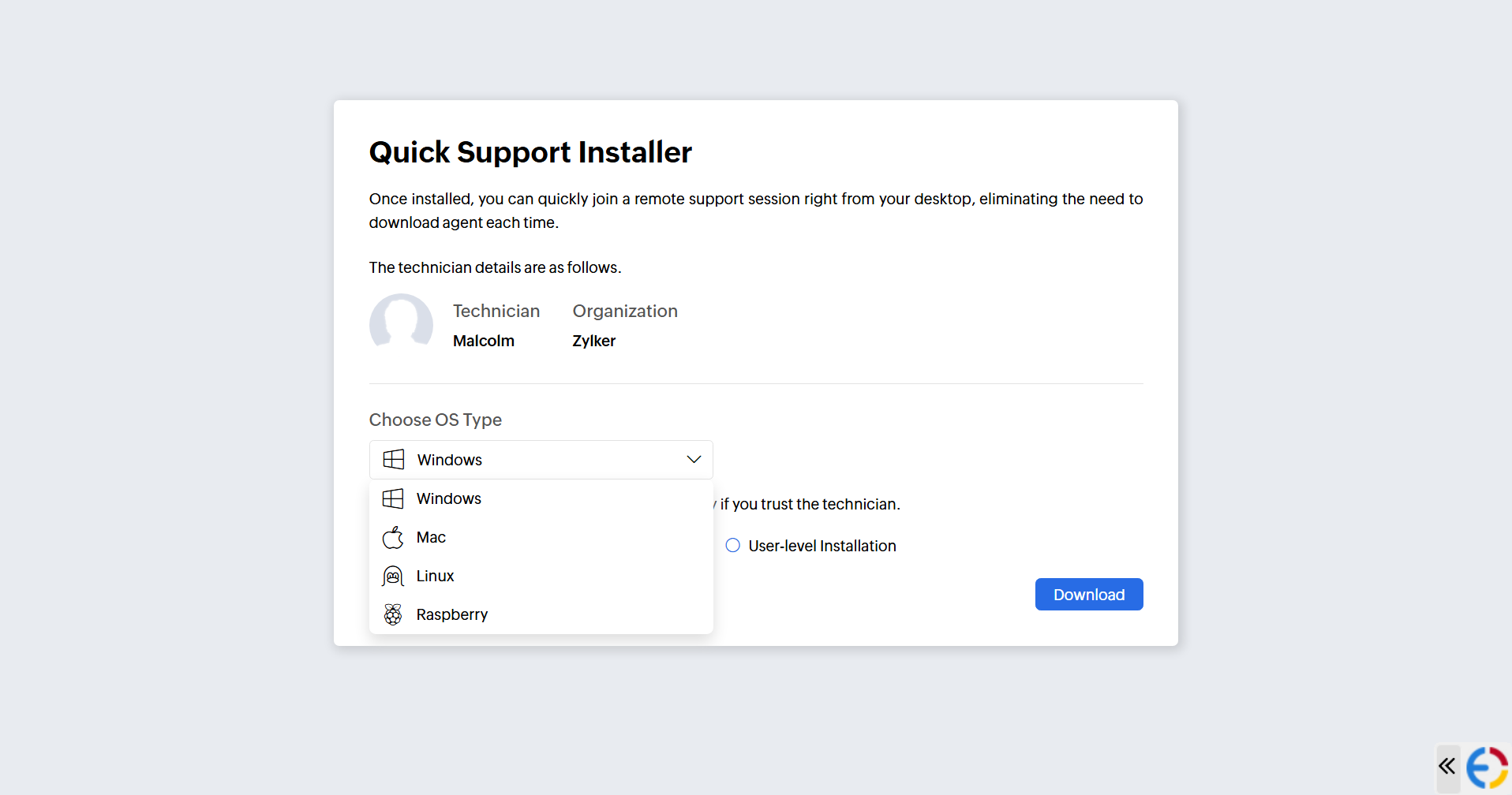
- Bulk Installation Support
Key Benefits
👨💻 For Technicians & Organizations
Faster handling of support requests
Improved session management
Enhanced brand presentation
Streamlined workflows with direct customer input
👤 For End Users
One-click access from desktop
No dependency on browsers or email links
Quick and hassle-free support requests
Faster resolution times
 ⚠️ Important Update
 The Quick Support Plugin is set to replace the older Customer Plugin.
Final Thoughts
With improved accessibility, better customization, and enhanced deployment capabilities, the Quick Support Plugin marks a significant step forward in remote support.
At PFC Group, we believe this upgrade will help businesses deliver faster, more reliable, and more professional customer support experiences.
If you’d like assistance with setup, deployment, or customization, feel free to reach out to our team.
For more information, please visit www.pfc-group.com
Related Articles
Introducing Zoho Service Plus : A unified platform for customer service - Early Access for Partners
We are excited to announce early access to Zoho Service Plus, a unified platform that brings together all of our customer service applications into a single platform. The early access program is exclusive only to partners. With Service Plus, manage ...Zoho CRM : Compliance Made Easy for Email Authentication
We are introducing you with significant updates to enhance email authentication and verification processes across Zoho CRM and other Zoho services. These changes aim to bolster security, ensure compliance with industry standards, and improve user ...Zoho Analytics 6.0 Beta: A New Era in Data Analytics
Zoho has introduced Zoho Analytics 6.0 Beta, a significant upgrade tailored to the diverse needs of business users, data analysts, data engineers, and data scientists. This version incorporates extensive user and market feedback, offering innovative ...Zoho Thrive: A Closer Look at Zoho Thrive's Improved User Experience
We are delighted to introduce the new and enhanced user interface of Zoho Thrive. This update is designed to make setting up and managing your affiliate and customer loyalty programs faster and easier. Let’s take a closer look at the major changes in ...Zoho Apptics: Your Ultimate Solution for App Analytics
Zoho announced Zoho Apptics, recognizing that in today’s hyper-connected world, the internet is not just a tool—it’s the backbone of our digital experiences, with mobile apps now dominating the majority of screen time. The times have changed, and ...