OS Zoho Mail Update: Manage Delegated Mailboxes Directly
Hello everyone!
You can now access delegated mailboxes directly from the iOS Zoho Mail app. To open a delegated mailbox, follow these steps:
Launch the Zoho Mail app.
Go to the Email section.
Tap on your profile picture.
Select the delegated mailbox you want to access.
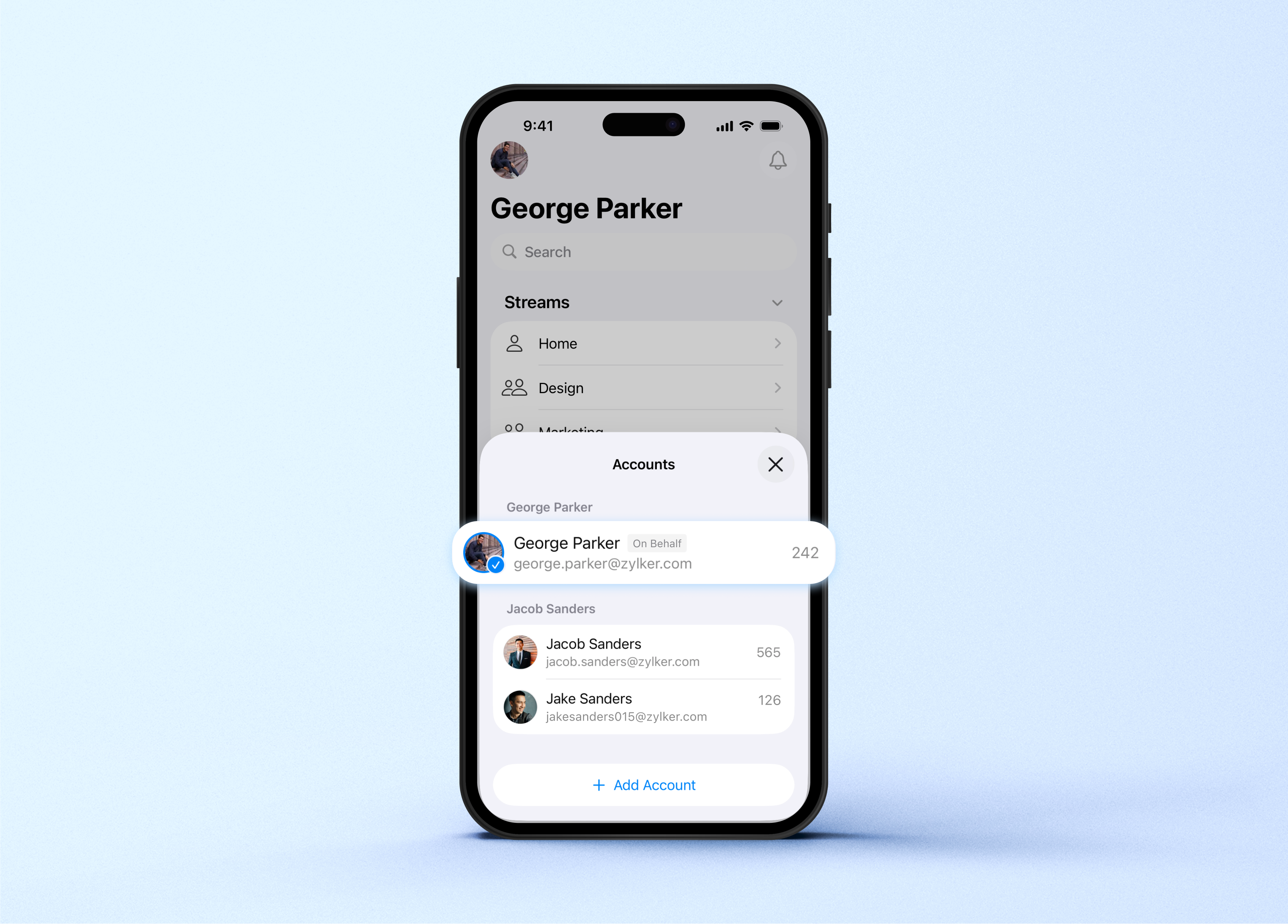
Make sure your app is updated to the latest version.
You can update it directly from the App Store
Zoho Mail – App Store
For more details, visit pfc-group.com.
Related Articles
Zoho CRM : Compliance Made Easy for Email Authentication
We are introducing you with significant updates to enhance email authentication and verification processes across Zoho CRM and other Zoho services. These changes aim to bolster security, ensure compliance with industry standards, and improve user ...Introducing Zoho Service Plus : A unified platform for customer service - Early Access for Partners
We are excited to announce early access to Zoho Service Plus, a unified platform that brings together all of our customer service applications into a single platform. The early access program is exclusive only to partners. With Service Plus, manage ...Zoho Thrive: A Closer Look at Zoho Thrive's Improved User Experience
We are delighted to introduce the new and enhanced user interface of Zoho Thrive. This update is designed to make setting up and managing your affiliate and customer loyalty programs faster and easier. Let’s take a closer look at the major changes in ...Zoho Analytics: Product Updates - November 2023
Hello partners, We're excited to announce some key updates this month to improve your customers' BI experience. Here's a rundown of the new features. Advanced Analytics for Jotform Advanced Analytics for Jotform enables you to understand the ...Zoho Desk: 2-Year Data Analytics in Zoho Desk
Zoho has announced a much-anticipated feature in Zoho Desk. A select group of users now has early access to the "2-Year Data in Analytics - Reports" feature, allowing them to create reports using data from the past two years. Enhanced Reporting ...